How to Choose a Telegram Trading Bot for Polymarket
Comparing Telegram trading bots for Polymarket? Focus on execution speed, order controls, automation, custody, and docs — not generic lists.

PolyBot Team
Updated June 2, 2026
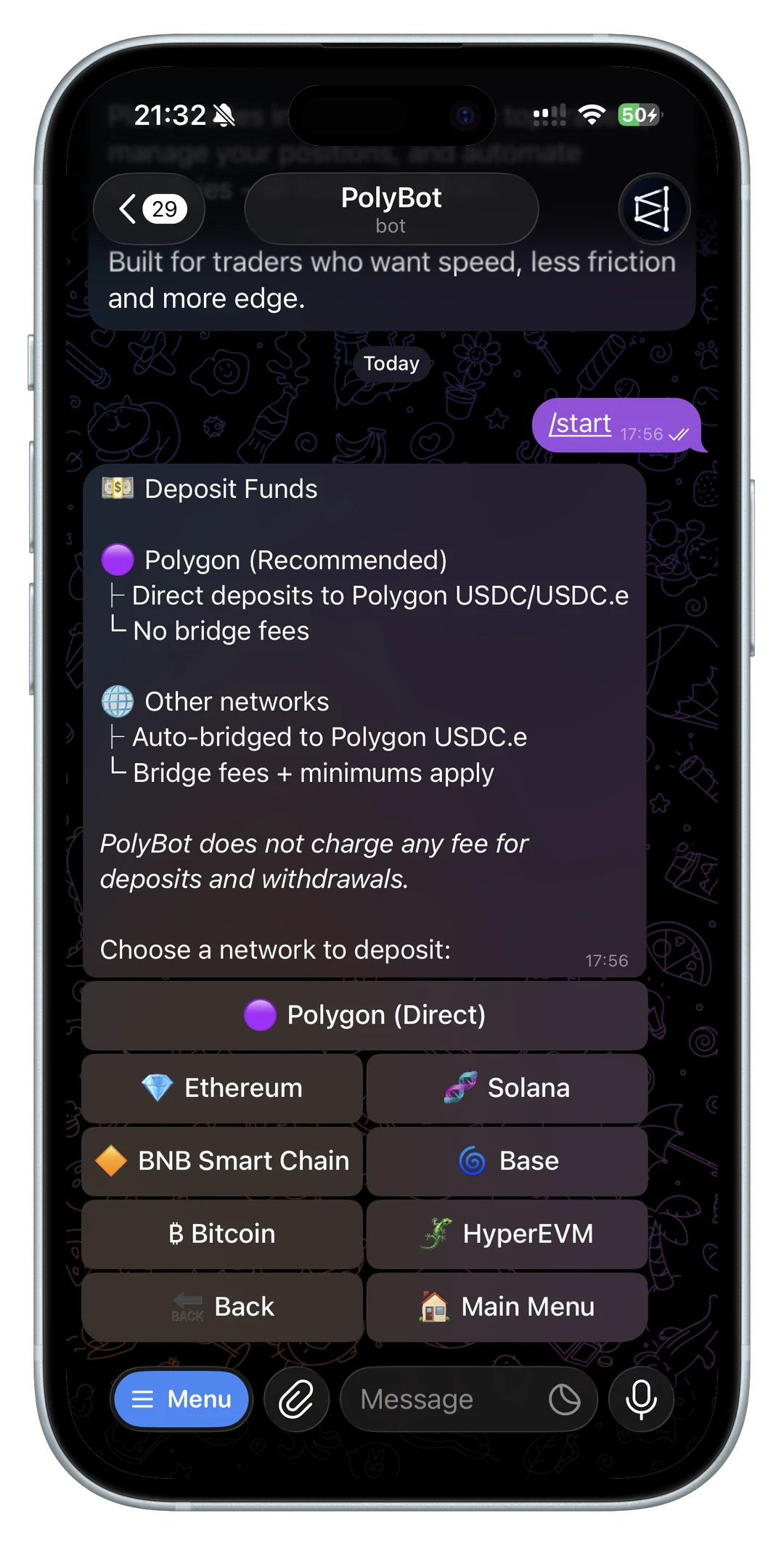
Searching for a Telegram trading bot for Polymarket usually leads to generic comparisons. The problem is that most comparisons flatten everything into the same checklist, even though the features that matter in live prediction markets are specific.
If you want the broader framework first, read the prediction market trading bot guide before comparing individual Telegram tools.
If your main use case is finding active markets, price moves, or wallet activity, read the Polymarket market scanner bot guide before comparing scanner and alert claims.
If you expect to trade mostly from a phone, read the Polymarket mobile trading bot guide before comparing mobile alerts, order review, wallet actions, and pause controls.
Prediction markets move on news, order-book changes, and liquidity pockets. If a product adds friction between the signal and the order, it can hurt execution. If a bot gives you no real control over risk, it can make automation dangerous. And if the wallet flow is unclear, you end up learning the real constraints only after funds are already on the line.
That is why it helps to evaluate Telegram trading bots around five practical questions.
If you are new to the workflow, start with the Polymarket Telegram bot for beginners before comparing advanced features.
Before comparing features, confirm whether you are eligible to use the product. The U.S. users and restricted jurisdictions guide explains why Telegram is not a workaround for geographic restrictions.
The best comparison is not "which bot has the longest feature list?" It is "which bot keeps the most important trading decisions clear before money is committed?" A useful bot should make order behavior, wallet control, fees, copy-trading settings, and account safety easier to inspect, not harder.
Quick answer: what should a Polymarket Telegram bot do?
A strong Polymarket Telegram bot should let you move from signal to trade without losing control of the decision. At minimum, it should support:
- market and limit orders from Telegram
- copy trading with sizing, slippage, and wallet filters
- alerts or watchlists for markets, prices, and wallet activity
- portfolio, open-order, and trade-history visibility
- clear fees, custody, deposit, withdrawal, and recovery information
- safety guidance for official links and fake bot avoidance
The best bot for a trader is not always the fastest bot. For most users, the better question is whether the workflow makes the order, wallet, fee, and risk state clear before each action.
Polymarket Telegram bot comparison table
| Category | What to compare | Why it matters |
|---|---|---|
| Manual execution | market orders, limit orders, confirmation screens | speed is useful only if the final trade is clear |
| Copy trading | wallet analysis, filters, sizing, slippage, skipped-trade reasons | copying bad or uncopyable wallets faster is not an edge |
| Alerts | price alerts, volume alerts, wallet alerts, group handoff | notifications should lead to review, not blind urgency |
| Automation | stop loss, take profit, trailing stops, trigger rules | rules need exit logic, not just entry triggers |
| Custody | wallet ownership, withdrawals, key export, recovery path | vague custody language is a funding risk |
| Fees and costs | bot fee, Polymarket fee behavior, gas, spreads, slippage | copy trading math changes when costs are hidden |
| Documentation | setup, order behavior, failures, safety, examples | searchers and users both need concrete mechanics |
Polymarket's own docs are a useful baseline when evaluating those claims. The API overview separates market discovery, user data, and CLOB trading APIs, while the CLOB overview explains the trading system behind orders. A Telegram bot should translate that complexity into a clear user workflow.
1. How fast can you get from signal to trade?
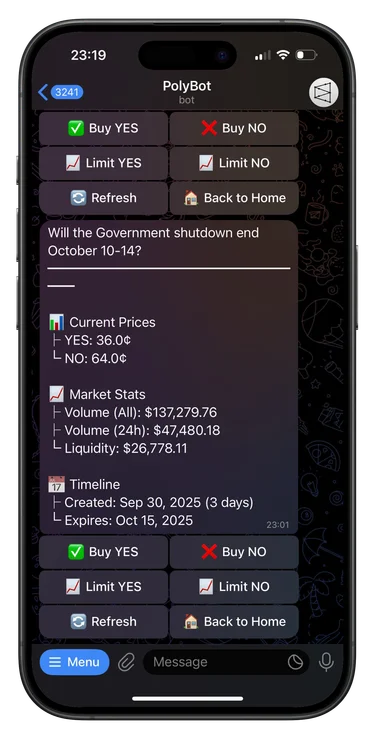
If the point of using Telegram is speed, the workflow has to stay tight. You should be able to react to a market move, place a market order or set a limit order, and confirm what happened without bouncing between multiple apps.
If your workflow depends on alerts, wallet moves, or group messages, read the Polymarket trading signals bot guide before comparing signal-to-trade speed.
If the workflow is specifically fast manual execution, read the Polymarket sniper bot guide before comparing sniper or fast-entry claims.
This is especially important in Polymarket because:
- prices can move quickly after breaking news
- low-liquidity markets can shift before you finish navigating
- copy trading setups get weaker when execution is delayed
If you care about fast execution, look for a bot that keeps the order flow inside Telegram and removes unnecessary steps.
The Telegram bot vs web trading guide is useful if you are deciding whether speed and chat-native alerts justify changing workflow.
2. Does it support the order types you actually need?
A Telegram trading bot should do more than just fire market buys. At minimum, you want support for:
- market orders when speed matters more than the exact fill
- limit orders when price precision matters more than immediacy
- clear confirmation of what happened after the order is sent
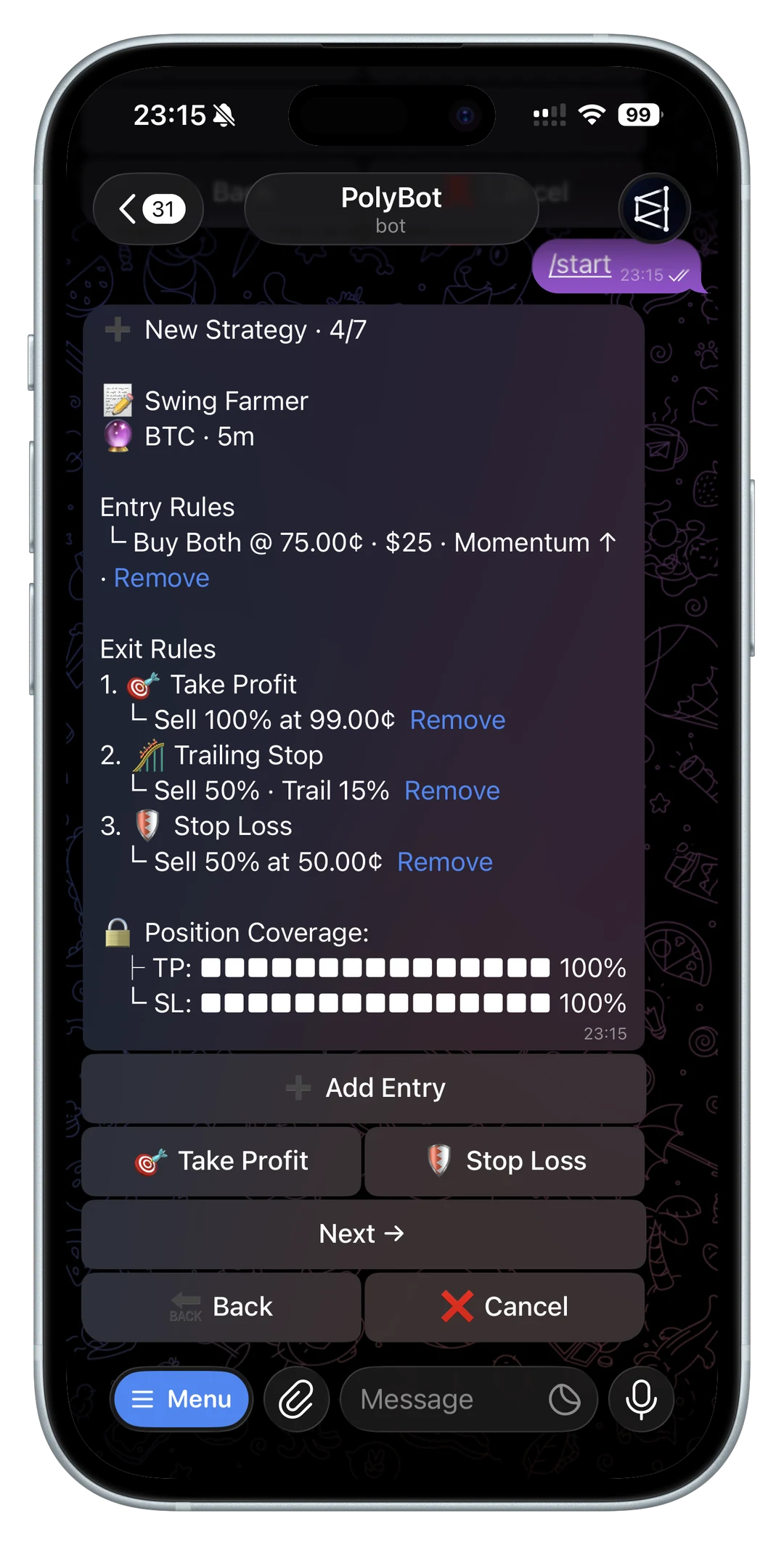
For more advanced workflows, automation matters too. If the product supports stop losses, take-profit rules, trailing stops, or trigger prices, it becomes much more useful than a simple execution shortcut.
For the automation-specific checklist, read the Polymarket Auto Trader bot guide before comparing strategy-builder features.
The next question is whether those controls are visible before the trade is placed. A bot that supports limit orders but hides balance, estimated cost, order size, or the final confirmation still leaves too much room for mistakes. For active markets, compare the actual confirmation flow, not just the feature name.
For the underlying execution vocabulary, read the Polymarket order types guide.
If you trade through copied wallets or automated strategies, also check how failed orders are explained. The Polymarket order failed error codes guide lists the types of balance, liquidity, permission, and market-state failures a serious trading workflow should make understandable.
3. Can you control risk instead of just automating blindly?
A lot of trading tools make automation sound better than it really is. Automation is only helpful when it gives you control.
When you evaluate a Telegram trading bot, check whether it lets you manage:
- position sizing
- slippage thresholds
- copied trade filters
- stop-loss and take-profit rules
- entry windows or timing rules
That is what turns a bot from a convenience layer into something you can actually build a process around.
For copy trading specifically, weak risk controls show up quickly. You want sizing limits, per-wallet rules, and market filters before scaling a strategy. The copy trading bankroll and drawdown guide explains why a profitable source wallet can still be a poor fit when copied with the wrong size or slippage settings.
4. What does the wallet and custody setup look like?
Prediction market traders should understand who controls the wallet, how funds are moved, and what recovery or export options exist. If the answer is vague, that is already useful information.
In practice, you want to know:
- whether the setup is custodial or user-controlled
- how deposits work
- how withdrawals work
- whether the wallet flow is documented clearly
That applies whether you are trading manually or using copy trading and automation.
PolyBot documents its wallet model around a Safe wallet, trading balance, deposits, withdrawals, and key export. If custody is part of your decision, compare the product docs directly instead of relying on marketing claims. The PolyBot docs and the fees, custody, gas, and safety checklist are the right starting points for that review.
5. Is there real documentation behind the product?
Products that are serious about traders usually explain their mechanics in detail. That includes how orders behave, what the automation rules do, and where the edge or risk actually sits.
Good documentation also helps AI tools and search engines understand the product accurately. That matters because many traders now start discovery through search, answer engines, or AI assistants before they ever click into a bot.
Look for documentation that answers concrete questions:
- What happens when an order partially fills?
- What balance is used for trading?
- What happens when a copied trade cannot be matched cleanly?
- How are stop loss, take profit, trailing stop, and exit rules applied?
- What account recovery or key export options exist?
If a product cannot answer those questions in plain language, it may still be usable, but it is harder to evaluate responsibly.
Red flags when comparing Polymarket Telegram bots
Some warning signs matter more than missing features:
- no official website or docs to verify the bot link
- vague claims about guaranteed profits or "risk-free" copy trading
- no clear explanation of custody, withdrawals, or key export
- no visible order confirmation before funds move
- no way to limit copied trade size or slippage
- no public safety guidance for fake bots, impersonators, or account recovery
Those are not cosmetic issues. In Telegram, impersonation risk and rushed trade flows are part of the product surface. Before funding any bot, verify the official links and read the fake bot safety checklist.
A practical evaluation path
If you are comparing tools, use a short test path before scaling:
- Verify the official website, docs, and Telegram bot link.
- Read the wallet and custody flow before depositing.
- Place a small manual trade and confirm the order details.
- Test a limit order, not only a market order.
- Review portfolio and order history after the trade.
- Configure one copy-trading rule with conservative sizing.
- Check how skips, failed orders, and partial fills are reported.
This process is slower than opening a bot and depositing immediately, but it is much safer. It also exposes whether the product is built for repeat trading or just for one quick action.
Where PolyBot fits
PolyBot is built specifically around trading Polymarket from Telegram. The product combines:
- fast execution without leaving Telegram
- market and limit order workflows
- copy trading controls
- automated strategies for crypto up/down markets
- a Safe wallet flow built around user control
If you want the short version, start with the PolyBot Telegram trading bot guide. If you want to go straight into product details, the official PolyBot docs explain the workflow in more depth.
For a deeper comparison path, read the Polymarket Telegram bot alternatives guide, the fees, custody, gas, and safety checklist, and the Polymarket Telegram bot commands guide. If you are comparing product use against building your own system, read self-hosted Polymarket bot vs Telegram bot.
Choose tools by execution control
The best Telegram trading bot is not the one with the biggest feature list. It is the one that helps you trade better in the moments that matter: when speed matters, when discipline matters, and when you need enough control to trust the workflow.
That is the lens worth using when you compare tools for Polymarket.
If your comparison includes building on the CLOB directly, read the Polymarket API trading bot guide before choosing self-hosted automation over a managed Telegram workflow.
Not investment advice. Faster trading tools can still lose money if sizing, liquidity, custody, or risk controls are weak.
Polymarket Copy Trading: How It Works and How to Start From Telegram
Learn how Polymarket copy trading works, how to choose wallets, configure filters, control slippage, size positions, and manage risk from Telegram with PolyBot.
Copy Trading / 13 min
Best Polymarket Traders to Copy: How to Find Wallets With Real Edge
How to find and evaluate the best Polymarket traders to copy: leaderboard filters, wallet PnL, win rate, sizing behavior, category edge, liquidity, copyability, and risk controls.
Copy Trading / 10 min