Polymarket Portfolio Tracker Bot Guide: Positions, PnL, Orders, Alerts, and Redeems
How to use a Polymarket portfolio tracker bot from Telegram: open positions, realized and unrealized PnL, orders, alerts, copy trading exposure, redeems, and risk checks.

PolyBot Team
Updated June 1, 2026
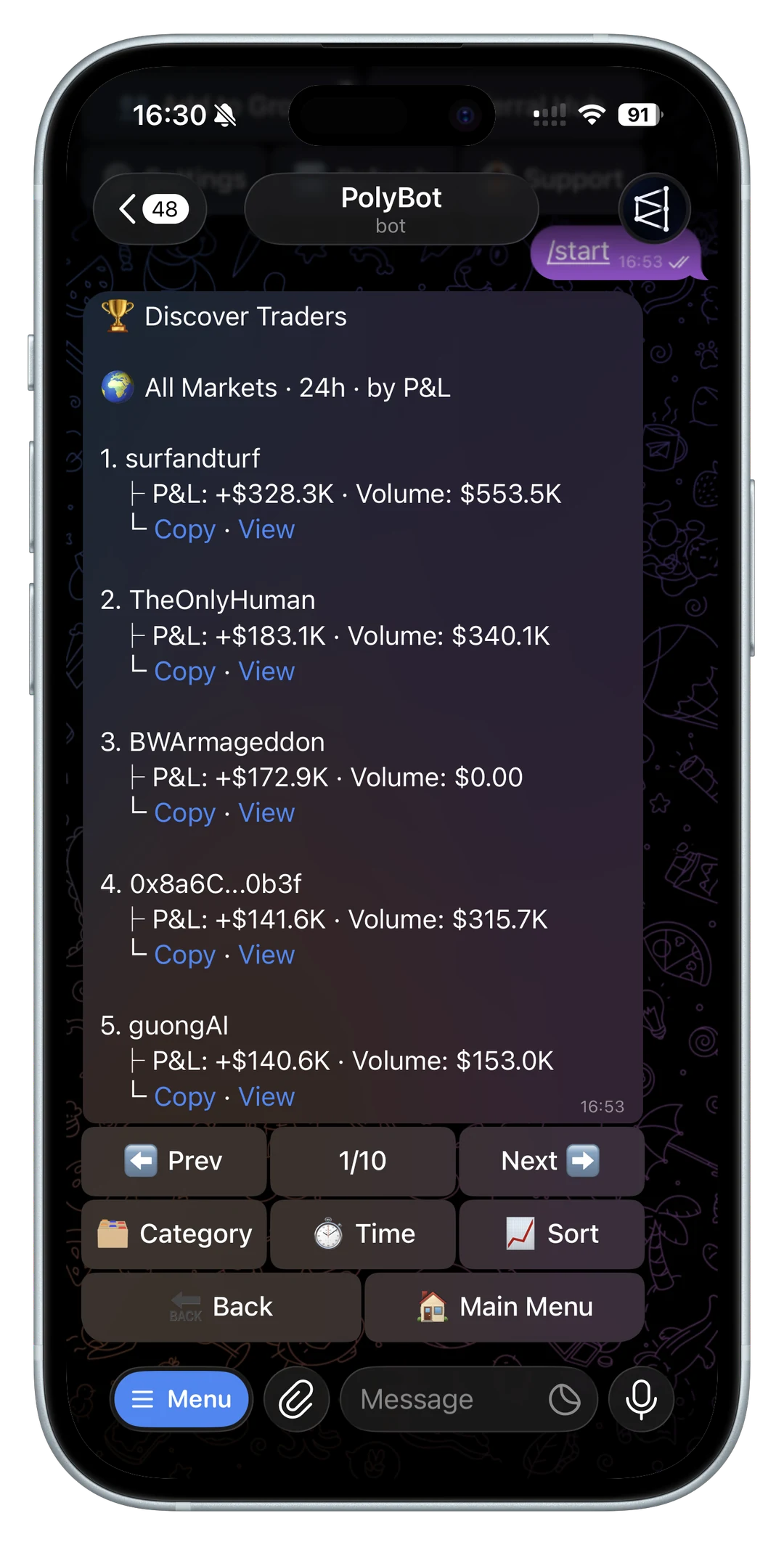
A Polymarket portfolio tracker bot is useful when it turns positions, orders, alerts, and realized results into one review workflow.
The job is not only showing a balance. A good portfolio tracker should help you understand what you own, what can still fill, what has already resolved, what needs an exit plan, and which positions are creating too much exposure. In a Telegram workflow, that context matters because the same app can show the market card, position, open orders, copied trades, alerts, and wallet actions without forcing you to rebuild the decision somewhere else.
This guide explains how to use a Polymarket portfolio tracker bot from Telegram: open positions, realized and unrealized PnL, open orders, stale orders, copy-trading exposure, price alerts, stop rules, resolved markets, redeemable winnings, CSV records, and risk controls.
If you want the narrower position and order workflow first, read the Polymarket portfolio and orders guide. If your main question is profit calculation, use the Polymarket PnL tracker guide. If the tracker output is a shareable screenshot, use the Polymarket PnL card guide. If the tracker needs to produce accounting records, pair this with the Polymarket trade history and CSV guide.
If the current account state came from an order that filled only partly, use the Polymarket partial fills guide to separate filled position, open remainder, cancelled remainder, and PnL impact.
If the tracker shows a resting order that has not matched yet, use the Polymarket limit order not filled guide before deciding whether the order is useful, stale, or blocking available balance.
A portfolio tracker is a decision surface
The best portfolio tracker answers one question:
What needs review now?
It should not be a decorative account page. Prediction market positions change because prices move, liquidity changes, events resolve, orders partially fill, copied wallets trade, stop rules fire, and redemptions become available. A tracker should route each change to the right next action.
Common next actions include:
- hold the position
- reduce exposure
- sell immediately
- place or edit a limit order
- cancel a stale order
- add a price alert
- pause a copy-trading setup
- redeem a resolved market
- export activity for records
- do nothing because the position is still inside plan
If the tracker shows numbers without helping you decide which action fits, it is not doing enough.

What a Polymarket portfolio tracker should show
A useful tracker should make the core account state obvious.
At minimum, it should show:
- current balance
- open positions
- market title and outcome side
- average entry price
- current estimated value
- unrealized PnL
- realized PnL where available
- open orders
- partially filled orders
- resolved markets
- redeemable winnings
- recent failed orders or skipped copied trades
- alerts tied to positions
- copy-trading subscriptions that created exposure
The exact display can vary, but the review logic should not. Every number should tell you what to check next.
For open-order handling, use the Polymarket order types guide and Polymarket limit orders from Telegram so resting orders, immediate orders, partial fills, and cancellations are not mixed together.
Open positions need context
An open position is not only a market and a dollar amount.
To review it properly, you need to know:
- which outcome you hold
- average entry price
- current bid and ask
- estimated exit value
- remaining size
- whether the market has enough depth to exit
- whether the position came from manual trading, copy trading, or automation
- whether there are open orders on the same market
- whether any stop-loss or take-profit rule is attached
The current price alone can be misleading. A position may look profitable at the midpoint while the best bid is much lower. A position may look small while a related copied setup is about to add more exposure. A market may look safe until a stale limit order is still open.
Before exiting, read how to sell a Polymarket position. Before trusting the displayed price, use the Polymarket order book guide.
Realized PnL and unrealized PnL are different
Portfolio trackers often show profit and loss, but traders need to know what kind.
Unrealized PnL is the estimated gain or loss on open positions. It can change quickly because the market price, bid, ask, spread, and depth can change.
Realized PnL is the result from closed or resolved exposure. It is closer to the record of what actually happened, but it still needs context around fees, spread, slippage, partial fills, and redeems.
Do not treat unrealized PnL as money already won. A thin market can show an attractive value without enough bids to exit at that value.
For the detailed difference, use the Polymarket PnL tracker guide. For trading costs that can change the result, read the Polymarket trading costs guide. For repeated fill-price drift, use the Polymarket slippage tolerance guide.
Open orders are part of the portfolio
Open orders are easy to forget because they are not always visible as current positions.
That is risky. A resting limit order can fill later and create exposure after the original idea is stale. A partially filled order can leave both a position and a remaining open order. A sell order can remain open after the trader thinks an exit is complete.
A portfolio tracker should show open orders near the positions they affect.
Review open orders for:
- market
- outcome side
- buy or sell direction
- limit price
- remaining size
- filled size
- age
- whether the thesis still applies
- whether the order would exceed current risk limits
Cancel stale orders when the reason for the order is gone. Edit or replace them when the price target still matters but the market moved.
For a focused workflow around reserved balance, stale limit orders, and cancel-all decisions, read the Polymarket open orders and cancel orders guide.
If an order failed or skipped, use the Polymarket order failed guide before assuming the account state is broken.

Alerts belong next to positions
Portfolio tracking is stronger when alerts are attached to positions, not scattered across unrelated markets.
Useful portfolio alerts include:
- position reaches a target review price
- position approaches a stop review level
- spread widens beyond the planned exit range
- liquidity disappears near the current price
- market resolves
- copied position moves far from leader entry
- open order partially fills
- open order remains stale
- redeemable winnings appear
The point is not to create more notifications. The point is to connect the notification to a position and a review action.
Use the Polymarket price alerts bot guide for target-price and price-change thresholds. Use the Polymarket notification bot guide for the broader notification layer across orders, copied trades, failures, redemptions, and portfolio reminders.
Copy trading needs portfolio-level review
Copy trading can create positions faster than a manual trader would normally build them.
That makes portfolio tracking more important. A copied wallet can enter several related markets, add to a position repeatedly, or trade in categories where your own risk budget is already full. If your tracker only shows each position separately, it can hide the total exposure.
For copied positions, check:
- which leader created the position
- copied size
- leader fill price
- your fill price
- slippage difference
- whether the trade was skipped or partially filled
- daily cap usage
- category concentration
- stop-loss or take-profit behavior
- whether multiple copied leaders are on the same market
Portfolio review should not replace copy settings. Settings still need caps, filters, slippage, and pause controls. Read the Polymarket copy trading settings guide and copy trading skipped trades guide before treating copied exposure as passive.
Resolved markets and redeems should not be hidden
After a market resolves, the portfolio tracker should make the next step obvious.
Resolved positions can affect:
- available balance
- redeemable winnings
- realized PnL
- trade history
- follow-up risk review
- copy-trading performance analysis
A tracker should separate open positions from resolved markets. Otherwise, a trader can miss redeemable value or confuse a settled result with live exposure.
Use the Polymarket resolution rules guide to understand payouts and disputes. Use the Polymarket auto-claim and redeem guide for the Telegram redemption workflow.
Mobile portfolio tracking needs fewer, clearer actions
Many portfolio checks happen on a phone.
That means the tracker should not overload the user with every possible metric at once. Mobile review should surface the items that need action first:
- positions with large movement
- positions near exit levels
- open orders that are old or partially filled
- failed orders
- skipped copied trades
- resolved markets
- redeemable winnings
- exposure above configured limits
The mobile path should still keep the important checks reachable: market wording, order book, bid, ask, spread, depth, position size, and wallet state.
For phone-first workflows, read the Polymarket mobile trading bot guide. For safety settings around quick actions, use the Polymarket Telegram bot settings guide.
Risk review belongs inside the tracker
Portfolio tracking should show risk, not only performance.
Good risk checks include:
- total open exposure
- exposure by market
- exposure by category
- exposure by copied leader
- largest position
- positions without exit plan
- stale open orders
- daily loss or drawdown
- concentration in thin markets
- balance reserved by open orders
This is where a portfolio tracker becomes more than a PnL page. It helps the trader notice when the account is drifting away from the plan.
For risk sizing, use the Polymarket position sizing guide. For exit rules, use the Polymarket stop loss and take profit guide. For scale-in and scale-out behavior, read the Polymarket ladder orders guide.
Trade history turns portfolio review into learning
A portfolio tracker is about the current account. Trade history explains how the account got there.
Use trade history to review:
- entry timing
- exit timing
- average fill price
- slippage
- failed orders
- copied-trade skips
- realized results
- market categories that helped or hurt
- whether alerts improved decisions
- whether copy settings protected the account
This is useful even if you never export anything. But exports matter when you need records outside Telegram. Use the Polymarket trade history and CSV guide when you need activity snapshots, accounting records, or a clean review trail.
Common portfolio-tracker mistakes
Avoid these mistakes:
- treating unrealized PnL as final profit
- ignoring open orders
- missing partial fills
- tracking positions without bid and ask
- ignoring spread and depth when exiting
- letting copied positions build hidden concentration
- keeping old alerts after the plan changed
- forgetting resolved markets and redeems
- reviewing each position without checking total exposure
- using mobile shortcuts without order confirmation
Most portfolio mistakes come from separating the account into disconnected screens. The tracker should connect positions, orders, alerts, copied trades, risk, and redemption status.
A practical portfolio-tracker workflow
A practical Telegram portfolio workflow can look like this:
- Check open positions and sort by largest movement or largest exposure.
- Review positions near target, stop, or thesis invalidation levels.
- Check open orders on the same markets.
- Cancel or edit stale orders.
- Review bid, ask, spread, and depth before any exit.
- Check copied positions by leader and category.
- Review failed orders and skipped copied trades.
- Redeem resolved markets.
- Export trade history when records are needed.
- Remove alerts that no longer match the plan.
This keeps the portfolio tracker focused on decisions, not dashboard decoration.
Polymarket portfolio tracker checklist
Before acting from a portfolio tracker, answer:
- Which positions are open?
- Which positions have the largest exposure?
- Which positions changed enough to review?
- What is unrealized PnL versus realized PnL?
- Are there open or partially filled orders?
- Are any orders stale?
- What is the current best bid and ask for the position?
- Is there enough depth to exit?
- Did a copied leader create or add to the position?
- Are stop-loss or take-profit rules attached?
- Are any markets resolved or redeemable?
- Do alerts still match the current plan?
- Is total exposure inside the risk budget?
If those answers are unclear, do not treat the portfolio number as a trading instruction. Use it as a starting point for review.
Common questions about Polymarket portfolio tracker bots
What is a Polymarket portfolio tracker bot?
A Polymarket portfolio tracker bot is a Telegram workflow that shows positions, PnL, open orders, alerts, copied exposure, resolved markets, and redeemable winnings so the trader can decide what needs review.
Is a portfolio tracker the same as a PnL tracker?
No. A PnL tracker focuses on profit and loss. A portfolio tracker should include PnL, but it should also show positions, orders, alerts, copy-trading context, risk, and redeemable markets.
Why should open orders appear in a portfolio tracker?
Open orders can create or reduce exposure later. If they are hidden from portfolio review, a trader can forget stale orders, miss partial fills, or assume an exit is complete when an order is still resting.
Should I sell when the portfolio tracker shows profit?
Only after checking the current bid, ask, spread, depth, market wording, position size, and exit plan. Unrealized profit is not the same as a clean sell fill.
How do alerts improve portfolio tracking?
Alerts help the tracker surface positions that need review: target prices, stop levels, stale orders, copied-trade movement, failed orders, resolved markets, and redeemable winnings.
Portfolio tracking should reduce account drift
The best Polymarket portfolio tracker bot keeps the account honest.
It shows what is open, what can still fill, what already resolved, where PnL is realized or only estimated, and which positions need review. It connects market cards, order books, alerts, copy settings, stop rules, trade history, and redeems into one workflow.
Use the tracker to decide what needs attention. Use the market and order checks to decide what to do next.
Not investment advice, legal advice, tax advice, or security advice. Prediction markets are risky, portfolio values can change quickly, and displayed PnL can differ from executable exit value when liquidity, spread, or market state changes.
Polymarket Portfolio and Orders in Telegram: PnL, Sells, Redeems, and Open Orders
How to use a Polymarket Telegram bot portfolio and orders workflow: PnL, market sells, limit sells, stop losses, redeeming positions, PnL cards, and canceling open orders.
Telegram Trading / 8 min
Polymarket Market Scanner Bot Guide: Find Markets, Alerts, Liquidity, Wallet Signals, and Risk
How to evaluate a Polymarket market scanner bot workflow: search, trending markets, volume, price alerts, whale alerts, wallet signals, liquidity, order books, and risk controls.
Telegram Trading / 12 min